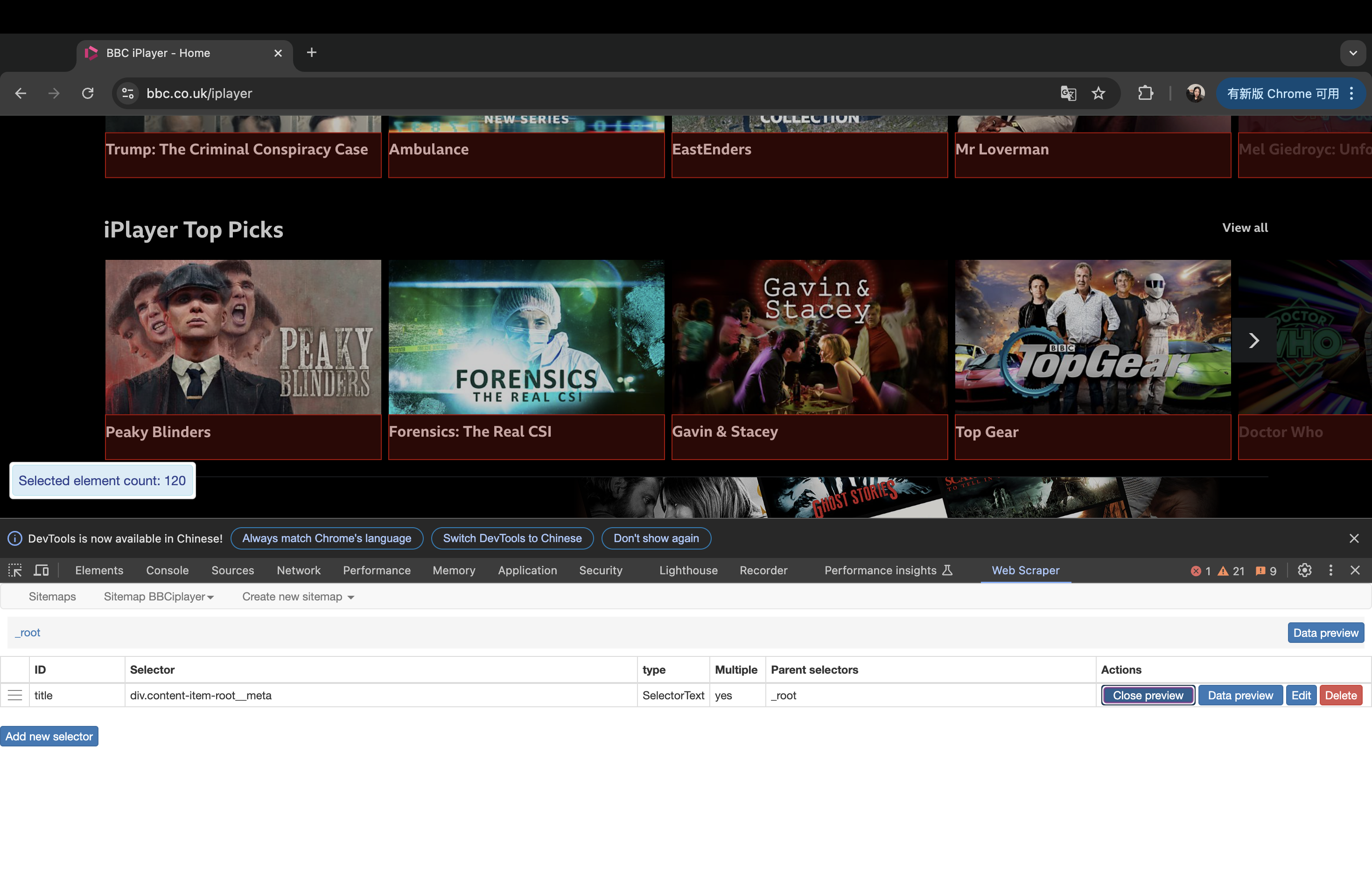
This week has been super hard and I can't even keep up at times. Anyway, I learned how to scrape data from different websites, and we can use the HTML components to select the specific data we need.
At first, we need to identify different classes, and then we can use web scraping tools to collect all needed data at once. In this process, the specific data components start with "class=", and are usually held within "div" tags.
Then, I used pre-made tools to scrape data on the website, which was WebScraper.io. By following the steps on the week 3 workshop page, I can scrape and extract the data to CSV. Since all the steps are already shown on that page, I won't describe each step in detail. However, I faced some problems when scraping. One tip I remember is that we need to delete "www." in the URL when we create a new sitemap. Otherwise, we will fail to scrape. If we succeed, we can define and scrape different types of data.